Orcina news

Here you will find the latest news on the development of OrcaFlex. Alongside our LinkedIn page, it is a valuable source of information about what we are up to!

Celebrating Orcina’s 40th birthday!

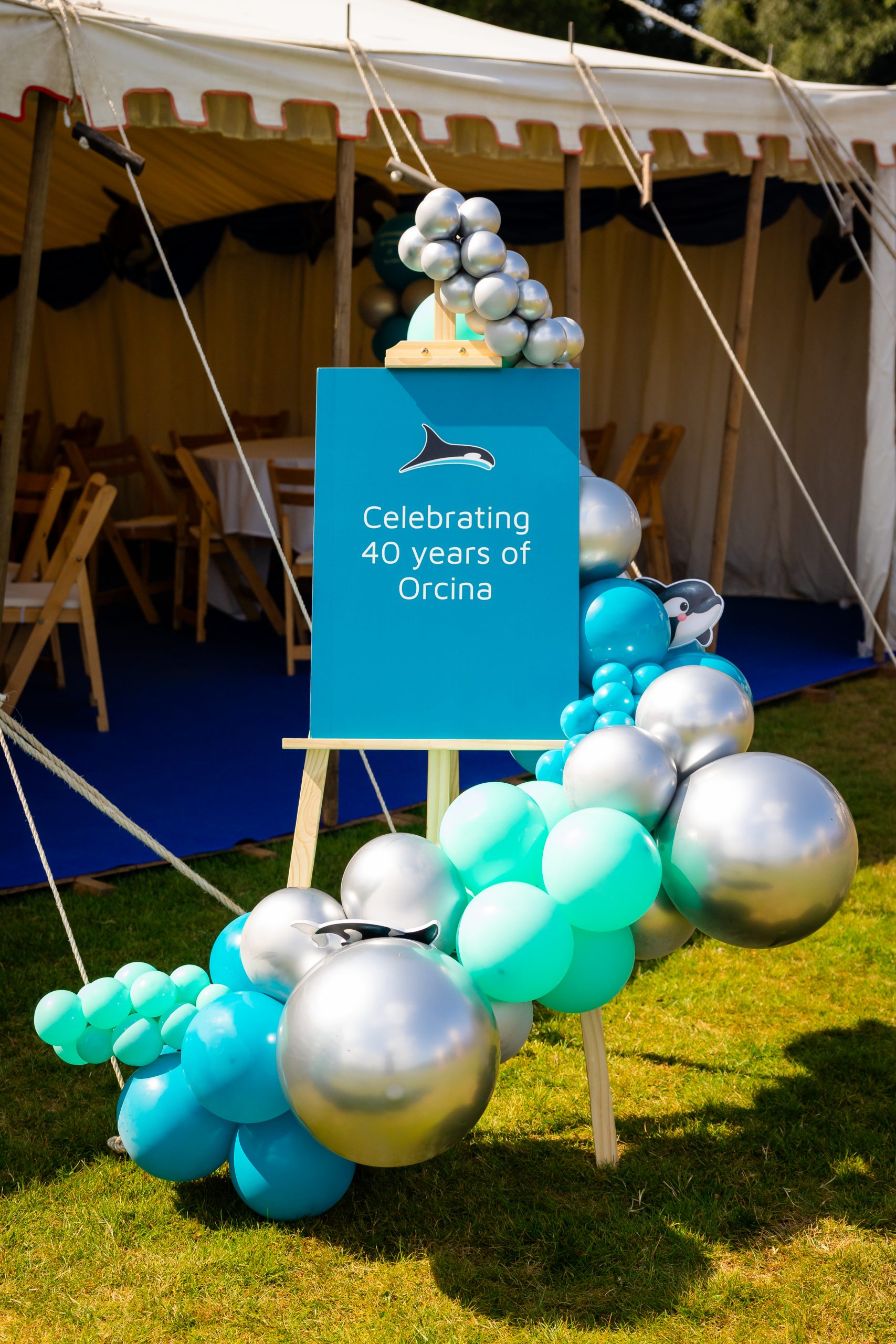
We had the great pleasure of celebrating 40 years of Orcina at Brathay Hall on the shores of Windermere in July. It was a wonderful opportunity to bring together almost all of our current and former colleagues from the last four decades, including the original founders of the company, as well as family members and close friends of the business.

Our agents travelled from the USA, Brazil and Korea to be with us, and families came too, because 40 years of Orcina has also been 40 years of partners and children counted as part of the extended Orcina family. There is something special about watching people who worked together 20 years ago pick up a conversation as though no time had passed. It was a privilege to see old colleagues reconnect, and strangers become friends over the course of the day.

Brathay Trust were fantastic hosts on a glorious sunny day, organising activities for the children including canoeing and high ropes, and laying on lawn games for anyone who wanted them while the rest of us caught up. The weather, which nobody can plan for, was kind to us. Anyone who has spent a summer in Cumbria will know how rare and welcome that is.


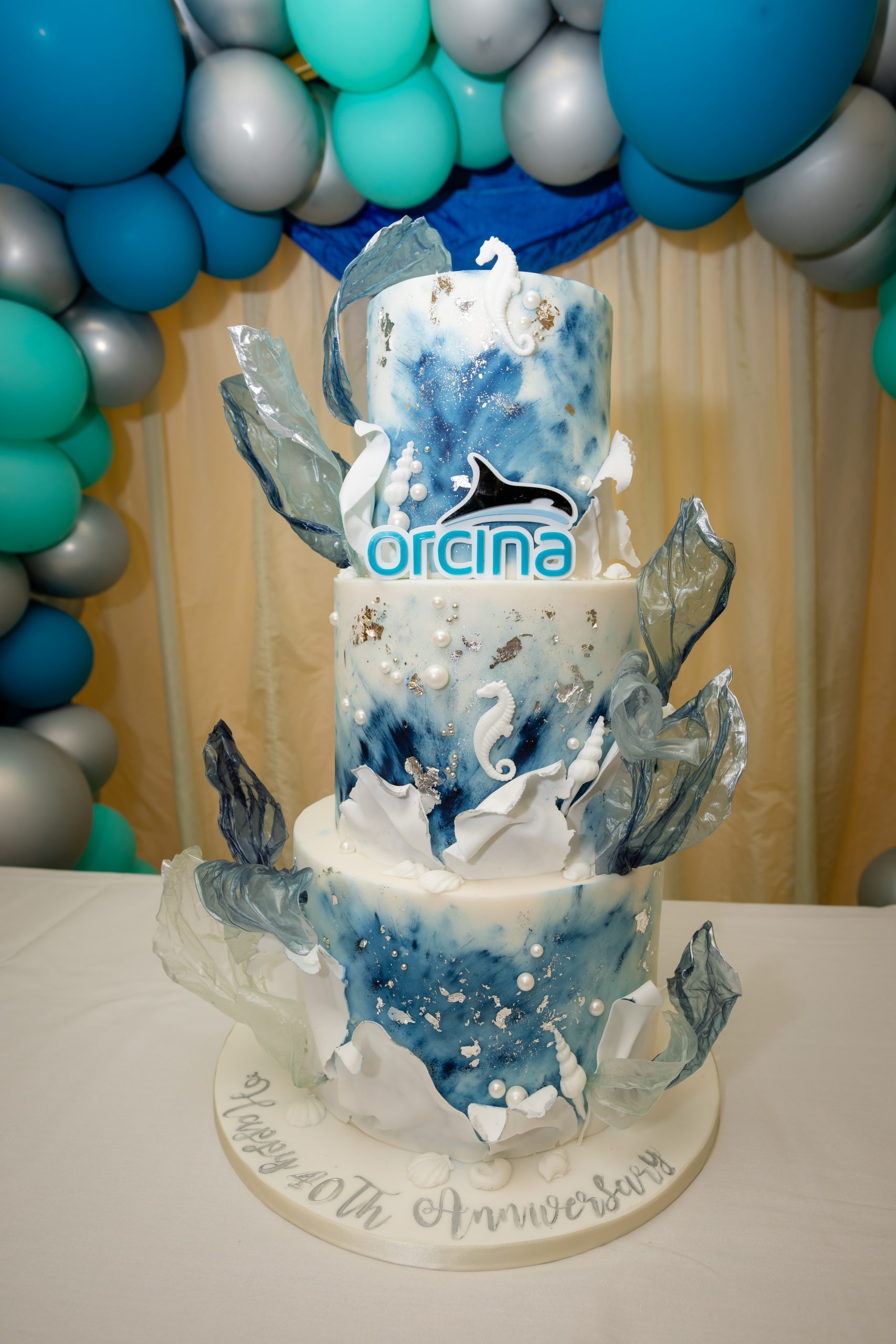
The Tipsy Truck Co provided the bar and kept us entertained all afternoon with a fabulous array of drinks served with warmth and humour, enjoyed alongside some superb food from Iain Mckey and his team at Bespoke Catering Cumbria. Events by Nashe provided the custom decor, and we also had an incredible cake made by cake artist Hilary Hurst, which we are still trying to finish off back at the office!


Speaking in the afternoon, our Managing Director David Heffernan gave a special mention to the founders of the company, without whom none of us would be here. They each invested a great deal of themselves into Orcina, and we hope they can see how much we care about that legacy. The company has changed in many ways since those early days, but the principles it was founded on have not: we care about our colleagues, we care about our users, and we care about our community. The best moments at Orcina have been the ones we shared with colleagues, and our 40 years have been grounded in people choosing to do good work together.

That third principle, community, was visible around us all day. Brathay Trust is one of several local causes we have supported in recent years, and we were glad that St Mary’s Hospice in Ulverston and the Furness Primary Collaborative were represented too. We have also supported the Ulverston Victoria High School band’s annual European tours for the past couple of years, which made it especially good to have them playing for us. They were superb.

All of the photographs here were taken by Joshua Sokoya Photography. Joshua and his partner Nerea spent the day with us and managed the unenviable task of taking a great many photographs without ever being in the way, which is why we have such a good record of the day rather than a folder of blurry phone pictures. We are very grateful.


Thank you to everyone who came, and to everyone who helped make it happen.

Most of all, thank you to our users. Orcina exists because engineers and analysts around the world choose to trust our software with their work, and keep telling us what they would like to see us do next. 40 years of that is not something we take for granted. David closed his speech with a toast to 40 excellent years and to many more, and we will happily raise a glass to that.


OrcaFlex 11.6d released

We have just released a minor upgrade to OrcaFlex, version 11.6d. Version 11.6d fixes a number of bugs.

Full details of the changes in 11.6:

We recommend that all users of 11.6a upgrade to 11.6d.

To upgrade to OrcaFlex 11.6d from any previous version, download the install program from your company’s Orcina software download page. A link to this page was sent to your software administration contact when we released 11.6a. If you do not have access to this page, please contact us.

New wave drift load analysis example

A new diffraction example is now available on our website: L07 Wave drift load analysis.

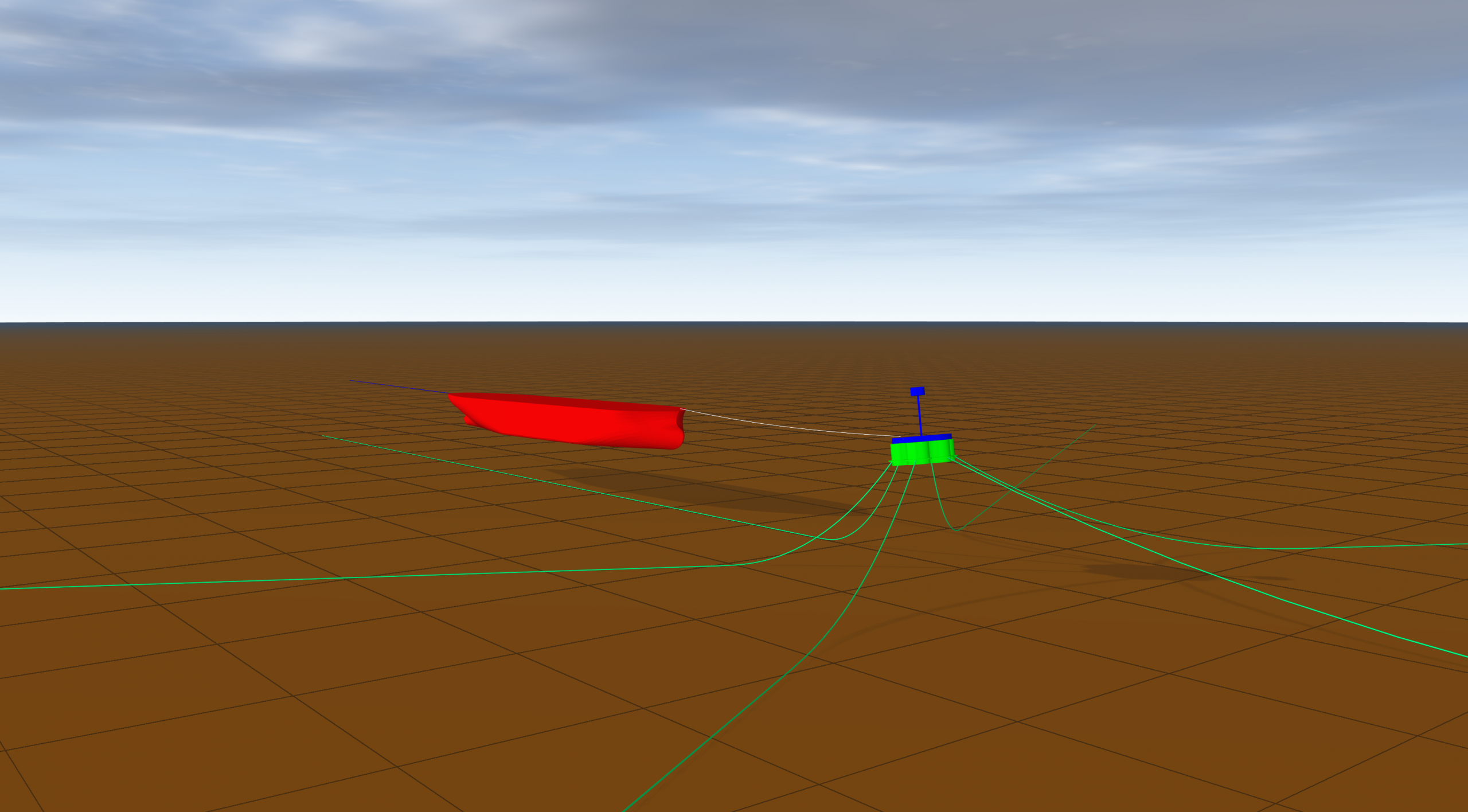
Building on the methods discussed in L06 Full QTF diffraction analysis, we use OrcaWave to calculate full quadratic transfer function (QTF) wave drift loads for a ship shaped body in shallow water. Later we use OrcaFlex to model a CALM buoy mooring system and analyse the system response.

We focus our attention on the long period vessel motions, discussing second order wave loads, and the impact of including wave drift damping and manoeuvring load. We also compare the response of the vessel when substituting full QTF wave drift loads with data calculated using Newman’s approximation.

Example L07 joins a range of other diffraction examples located on the examples page of our website.

Wave drift load analysis

OrcaFlex 11.6c released

We have just released a minor upgrade to OrcaFlex, version 11.6c. Version 11.6c fixes a number of bugs, and introduces a couple of minor enhancements.

Full details of the changes in 11.6:

We recommend that all users of 11.6a upgrade to 11.6c.

To upgrade to OrcaFlex 11.6c from any previous version, download the install program from your company’s Orcina software download page. A link to this page was sent to your software administration contact when we released 11.6a. If you do not have access to this page, please contact us.

OrcaFlex 11.6b released

We have just released a minor upgrade to OrcaFlex, version 11.6b. Version 11.6b fixes a number of bugs, and introduces some further functionality for shaded graphics.

Full details of the changes in 11.6:

We recommend that all users of 11.6a upgrade to 11.6b.

To upgrade to OrcaFlex 11.6b from any previous version, download the install program from your company’s Orcina software download page. A link to this page was sent to your software administration contact when we released 11.6a. If you do not have access to this page, please contact us.

New Full QTF diffraction analysis example

A new full QTF diffraction analysis example is now available on our website: L06 Full QTF diffraction analysis. The example demonstrates how to build a full QTF OrcaWave model, and how to set all the associated input data, by following new guidance in the OrcaWave documentation.

In the accompanying PDF document, we demonstrate how to assess the accuracy of the first-order and second-order results via a number of convergence studies. For the QTF data itself, we follow the new guidance given in the OrcaWave documentation and conduct a series of sensitivity tests to verify that the free surface is sufficiently well resolved.

We present strategies to assess the discretisation error and stress the crucial role played by the body mesh as the most important ingredient in determining the accuracy which it is possible to achieve.

We hope that the example is informative and helpful.

OrcaFlex 11.6 user group meeting

Following the release of OrcaFlex 11.6, we can now announce our OrcaFlex 11.6 user group meeting. Once again, we are running this as a virtual webinar.

This webinar will cover all the new features introduced in version 11.6 of OrcaFlex and OrcaWave. This webinar will be delivered twice in the same day to give users in different time zones the opportunity to attend.

We anticipate that each webinar will be around 90 minutes in duration, and we will schedule a short break part way through the meeting. Attendees will be able to ask questions. A recording of the webinar will be available on our website shortly after it has taken place.

We are running the webinar over Zoom. You will need to register for whichever webinar you wish to attend, using the links below. Zoom webinars can be attended using the Zoom client, or directly from the browser if you do not have the Zoom client.

We look forward to catching up with our regular user group attendees, and hopefully some first timers too!

OrcaFlex and OrcaWave UGM

This webinar will cover the new features introduced in version 11.6 of OrcaFlex and OrcaWave.

TimeRegistration
16th December 2025
0900 GMT
https://us02web.zoom.us/webinar/register/WN_q6l8DiU2Q4Oq0GkontSyJA
16th December 2025
1700 GMT
https://us02web.zoom.us/webinar/register/WN_cUdNVu9iTZuEWSqQ_tHK_Q

OrcaFlex 11.6 released

We are very pleased to announce the release of OrcaFlex version 11.6. The software was finalised and built on 13th November. All clients with up-to-date MUS contracts will receive, in the next few days, an e-mail with instructions on how to download and install the new version.

Version 11.6 introduces much new functionality, including:

OrcaFlex

OrcaWave

These are the most significant developments, in our opinion. As always there are more enhancements that are not listed here. All new features are fully documented in the what’s new topics:

Continue reading “OrcaFlex 11.6 released”

New pipeline lateral buckling and walking example

A new pipelines example is now available on our website: M01 Pipeline lateral buckling and walking. The example demonstrates two possible use cases for several recent developments related to pipeline thermal expansion and line / seabed interactions.

The tabular line contents method, when combined with line type expansion tables allows lines to expand and contract in response to the changing temperature and pressure of the line contents, thus improving pre-existing capabilities related to pipeline buckling, walking and stability analyses. Similarly, seabed tangential resistance profiles can enhance line breakout or slip modelling, while line / seabed contact properties that can change on a per arc length basis allow for the modelling of local variations in seabed properties.

The two models in the example show a simplified pipeline buckling and walking analysis for an in-place pipeline with buckle initiator sleepers in deep water. The thermal expansion is driven by changes in the pipe contents temperature and density as slugs of hot fluid travel along the pipeline.

We hope that the example is informative and helpful.

Pipeline buckling on seabed over buckle initiator sleepers
Pipeline buckling on the seabed over buckle initiator sleepers

Flexnet license manager upgrade for OrcaFlex 11.6

Before the end of the year we will be releasing a new version of OrcaFlex, version 11.6. This new version includes updated FlexNet libraries (version 11.19.8), which in turn means that if you are using FlexNet floating licenses, you must update the license manager that runs on your license server, before you upgrade to OrcaFlex 11.6.

If you are not using FlexNet floating licenses, then the rest of this post does not apply to you, and you can safely ignore it. As an aside, if you are still using legacy dongles with OrcaFlex, then can we take this opportunity to recommend that you consider switching to the modern and supported FlexNet licensing system. Please contact us if you would like more details.

For anyone who is using FlexNet floating licenses we recommend that you perform the upgrade of the license manager at the earliest convenient opportunity. Older versions of OrcaFlex will run with the upgraded license manager. Even though you don’t strictly need to perform this upgrade until you activate your 11.6 licenses, it is good practice to keep the license manager up to date.

Before performing the upgrade, please double check that you do not already have the latest version installed. The version can be checked from the administration page of the license manager dashboard, typically available at http://localhost:8090 on the license server machine. You only need to perform the upgrade if your current version is older than 11.19.8.

To help with the upgrade, we provide the following step-by-step instructions to perform the upgrade. Note that these steps will need to be performed by your network administrator on the license server machine that runs your license manager.

  1. Check that the current license manager version is older than 11.19.8 (see above). Only carry out the remaining steps if the current license manager version is older than 11.19.8.
  2. Download the latest license server software from: www.orcina.com/downloads/public/ServerPack.zip and extract the files from the archive.
  3. In the services control panel applet, stop the license manager service, named Orcina FlexNet license manager.
  4. Update the FlexNet licensing service using <ServerPack>\LicenseService\Win64\FlexNetLicenseService.msi
  5. Install the license manager using <ServerPack>\LicenseManager\Win64\lmadmin_orcina.msi
  6. The installation should re-start the license manager service automatically. Check that the license manager is running and serving licenses by using the web interface at http://localhost:8090 (replace 8090 with the appropriate port if you are using a different port for the web interface).

This installation process will preserve any customisation of ports that you have made to the license manager. But if you have made more significant customisations then you will need to re-apply them. If you are unsure on how to do that, please do contact us for guidance.