
|
User interface: Introduction |
|
|
User interface: Introduction |
OrcaWave is based upon a main window that contains menus, a toolbar and a collection of pages for data and results. The window caption shows the program version and the file name for the current model.
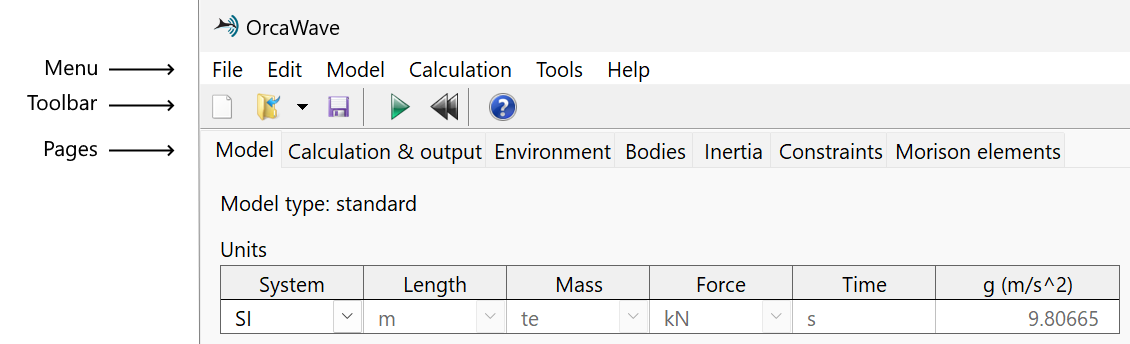
| Figure: | The OrcaWave main window |
OrcaWave has the following menus:
OrcaWave has the following pages for entering and reviewing data:
OrcaWave has the following results pages available after a calculation: